Download the
Paisabazaar app Today!
Paisabazaar app Today!
Get instant access to loans, credit cards, and financial tools — all in one place

Win Assured Cashback

Our Advisors are available 7 days a week, 9:30 am - 6:30 pm to assist you with the best offers or help resolve any queries.


Get instant access to loans, credit cards, and financial tools — all in one place

Scan to download on



 Personal Loan
 Business Loan
 Home Loan
 Other Loans


Our Advisors are available 7 days a week, 9:30 am - 6:30 pm to assist you with the best offers or help resolve any queries.
600 or 750? What's your credit
score? Check for FREE.


Let’s Get Started
 +91
+91
The entered number doesn't seem to be correct
Gone would be the time when you had to visit your bank for each financial task you wished to complete. Today, banking facilities are provided at your fingertips. Almost all your financial requirements can be met through your phone, tab, and laptop. Once you register yourself with your bank or financial provider for mobile banking, you can access your account at any point of the time from the comfort of your home or your office. Cosmos Bank provides the facility of mobile banking to all its customers with which users can avail several banking facilities through their mobile devices. Cosmos Bank Mobile Banking provides a new-age banking experience to the customers without a hassle.

For mobile banking with Cosmos Bank (CosMobile), all you require is a smartphone. With the CosMobile application, the customer can transfer funds to other accounts directly and also make direct payments to merchants while shopping. The customer can apply for multiple services at a time like requesting an email statement, Cheque book, balance inquiry, stop Cheque, mini statement, account initiation, regeneration of ATM pin, etc. To avail the mobile banking facility from Cosmos Bank, you need to follow the steps mentioned below:
Within a few steps, you can use the mobile application of Cosmos Bank without any hassles:
Step 1: You have to download and install the free application named CosMobile app for iPhone or Blackberry.
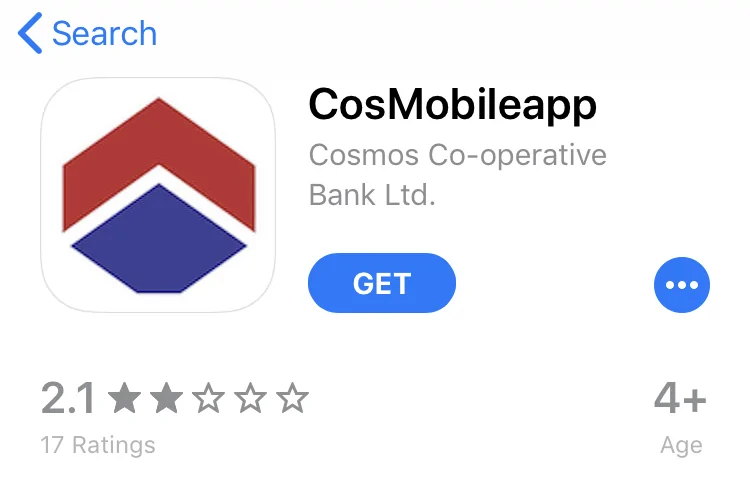
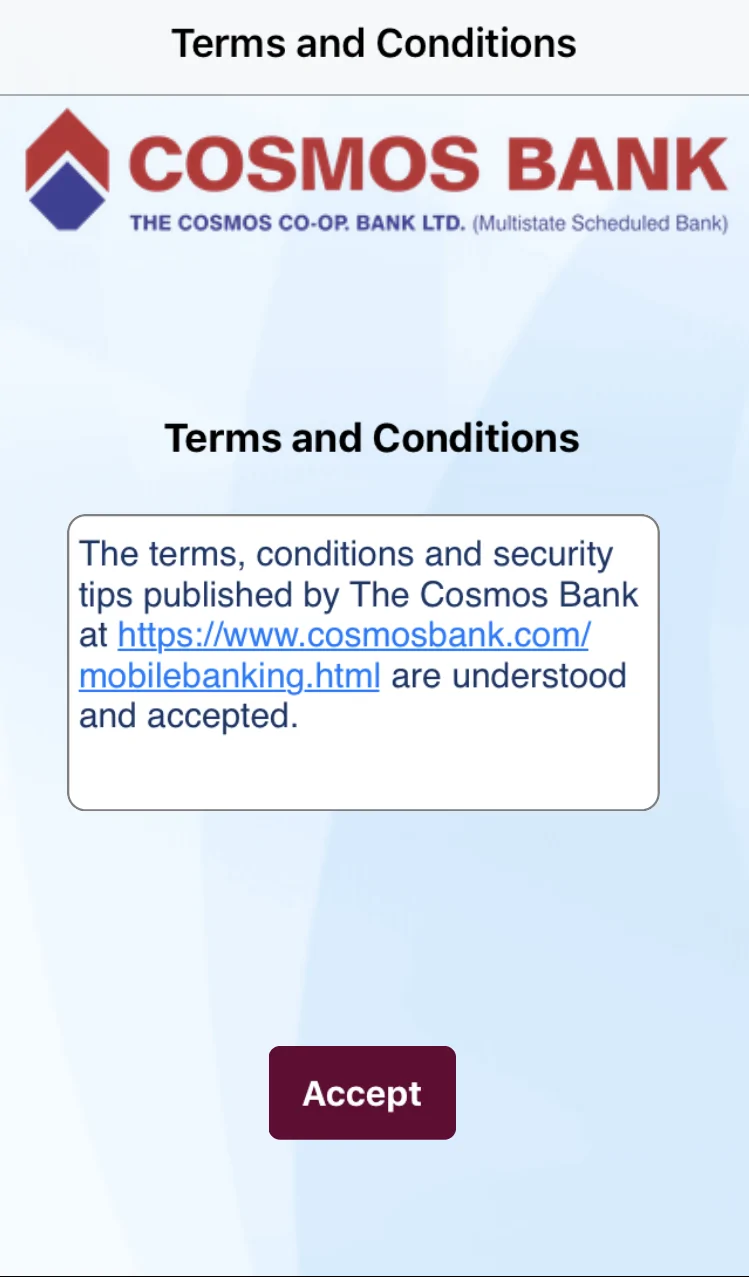
Step 2: Next, you will be required to accept the terms and conditions.
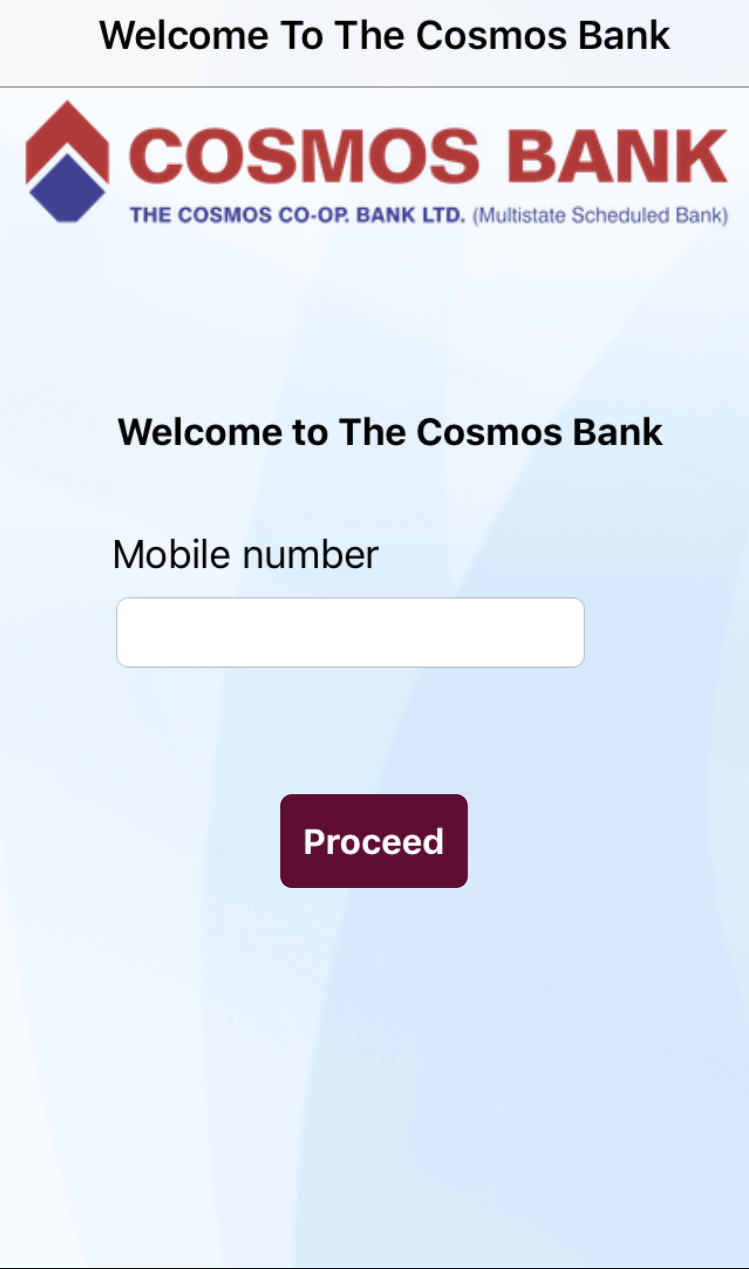
 Step 3: Next, you need to verify your mobile number. Here you need to make sure that you use the same phone number to sign in that is registered with Cosmos Bank account.
Step 4: Your Cosmos Bank account details will automatically be added to the mobile application post successful verification, and your account will be signed in for mobile banking.
Step 5: Now you can check your account balance as well as transfer your money to other bank accounts in real-time.
You need to install the free mobile application for Cosmos Bank Mobile Banking named “Cosmobile”. You need to enter your mobile number that is registered with Cosmos Bank and enjoy the following features provided with the application:
Apart from the benefits mentioned above, you should make sure that you stay vigilant while using mobile banking. Although the bank provides end-to-end encryption, you need to secure your phone as well as your bank details to avoid hacking or misuse of your account and money.