Download the
Paisabazaar app Today!
Paisabazaar app Today!
Get instant access to loans, credit cards, and financial tools — all in one place

Get the app — instant card and loan offers!

Our Advisors are available 7 days a week, 9:30 am - 6:30 pm to assist you with the best offers or help resolve any queries.


Get instant access to loans, credit cards, and financial tools — all in one place

Scan to download on


 Personal Loan
 Business Loan
 Home Loan
 Other Loans


Our Advisors are available 7 days a week, 9:30 am - 6:30 pm to assist you with the best offers or help resolve any queries.
600 or 750? What's your credit
score? Check for FREE.


Let’s Get Started
 +91
+91
The entered number doesn't seem to be correct
State Bank of India (SBI) provides phone banking services to its account holders. SBI Phone Banking service can be used anytime by the account holder and from anywhere. The SBI Phone banking can be used to avail several banking services through contact center over phone.
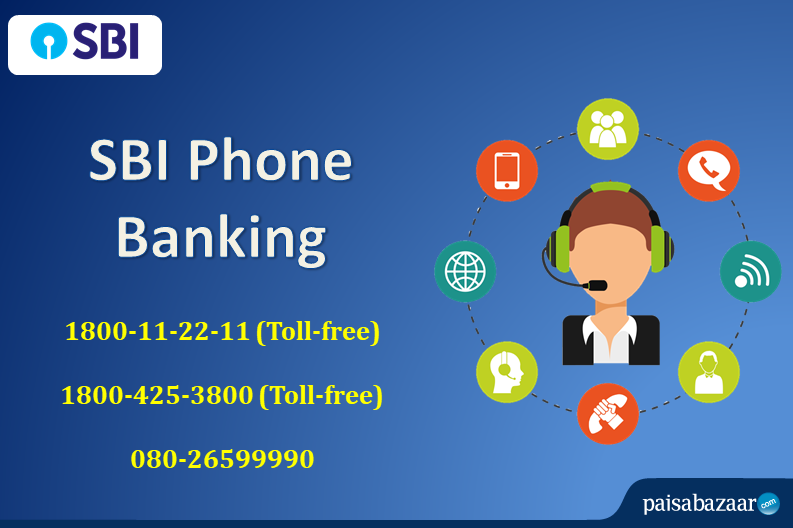
State Bank of India account holders can give a call on the SBI Phone Banking numbers to avail banking services like SBI balance enquiry, issue of statement, cheque related information, opening of fixed deposit and much more. State Bank of India Phone Banking Numbers are mentioned below:
To use State Bank Phone Banking service, account holders will be required to provide User ID and password as well. SBI Phone Banking user ID is the account number and the password is provided or can be generated through the modes mentioned below.
The account holder must have a user ID and password in order to use phone banking service. User ID is SBI account number and password can be generated with any one of the three methods listed below:
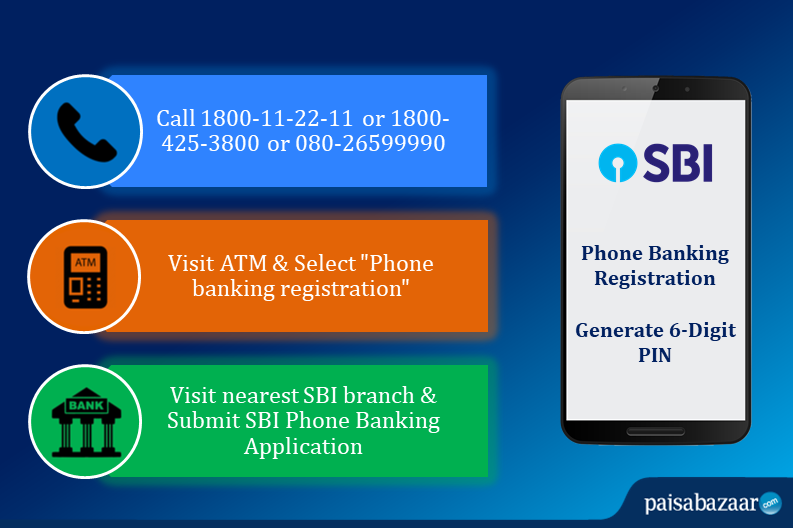
Step 1: Customer can give a call at the Contact Centre toll free number (1800-11-22-11 or 1800-425-3800) or toll number (080-26599990). Account holder will be required to choose the desired option and follow the instructions in the call.
Step 2: Enter the SBI ATM card number, PIN, SBI account number, as well as the registered phone number.
Step 3: A 6 digits phone banking password will be sent after completing the registration.
Step 1: Swipe the SBI ATM card and select “registration” option in ATM screen.
Step 2: Enter “SBI ATM PIN” and select “Phone banking registration” in the following screen.
Step 3: Enter the registered phone number on the screen and select “Correct”.
Step 4: A 6 digits password will be sent on the registered mobile number after completing the registration.
Account holder can also visit the nearest SBI branch and submit State Bank of India Phone Banking application to avail the service. A pre-printed kit will be provided which will contain 6 digits State Bank phone banking password.
SBI Phone Banking service does not save any information on the SIM card or phone thus the account and its information is safe. Account holder can give a call to SBI customer care number to deactivate the PIN in case of theft or misplaced phone.