Download the
Paisabazaar app Today!
Paisabazaar app Today!
Get instant access to loans, credit cards, and financial tools — all in one place

Win Assured Cashback

Our Advisors are available 7 days a week, 9:30 am - 6:30 pm to assist you with the best offers or help resolve any queries.


Get instant access to loans, credit cards, and financial tools — all in one place

Scan to download on



 Personal Loan
 Business Loan
 Home Loan
 Other Loans


Our Advisors are available 7 days a week, 9:30 am - 6:30 pm to assist you with the best offers or help resolve any queries.
600 or 750? What's your credit
score? Check for FREE.


Let’s Get Started
 +91
+91
The entered number doesn't seem to be correct
The advent of technology has enabled the speedy and accurate functioning of services throughout all sectors. Mobile internet banking has been introduced as a part of digital banking wherein registered customers can access all banking products and services from their mobile phone. Let us learn more about mobile banking and its perks.
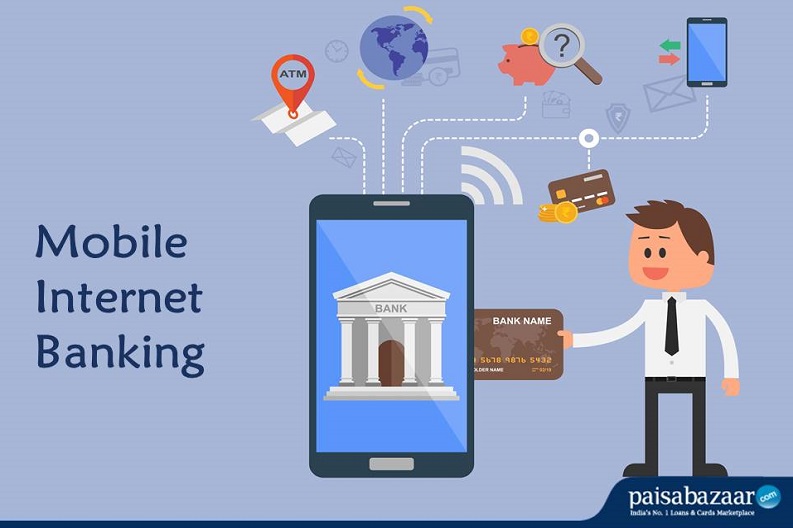
Mobile Internet Banking is a digital banking service provided to account holders by a bank or any financial institution to carry out financial transactions remotely using a smartphone or a tablet. A dedicated mobile app is furnished by respective banks which should be used to access mobile banking. For instance, ICICI has iMobile App, HDFC has HDFC MobileBanking App, etc. This service is available 24×7 for registered users.
Customers can avail account balance check, bill payments, fund transfer, profile update, etc, services via mobile banking apps.
Related Article: What are the different types of Mobile Banking?
Given below are some of the favourite banking services available on mobile banking:
|
Mobile Internet Banking Services |
|||
| Account Balance Enquiry | Mini Statement & Account History | Utility Bill payments | Instant Fund Transfers between Linked Accounts |
| Starting and Monitoring Term Deposits | Access to Debit/Credit Card Statements | Instant Investments in Mutual Funds | Online Shopping |
| Setting Alerts and Notifications | Access to Loan Statements | Portfolio Management Services | Issuance of Cheque Book |
| Manage/Change Account Details | Set-up/Cancel Automatic Payments | Book Online Tickets | Invest and Conduct Trade |
Step 1: Download the particular mobile internet banking app regulated by your bank from Google Playstore or Apple App store
Step 3: Now, you need to set an MPIN which is your secret password to access the mobile banking app. This has to be entered every time you login into the app
Step 4: After logging in, you can use your net banking user ID and password to access your mobile internet banking account
To register by visiting the bank-
In some banks, the account holders are required to register for mobile banking by filling up a registration form and submitting the same along with other required documents at the bank. On the other hand, some banks allow the customers to use SMS or phone banking to register for mobile internet banking
To register via ATM cum debit card, you can-
Step 1: Visit the nearest ATM of your bank
Step 2: Select the ‘Mobile Registration’ option on the ATM screen
Step 3: Click on the ‘Mobile Banking Registration’ option
Step 4: Enter your registered mobile number to verify and proceed to register
To transfer funds via a Mobile Banking application, follow the given steps-
Step 1: Install and Set-up the mobile banking app furnished by your bank
Step 2: Link your bank account to the app
Step 3: You can either send money to a bank account or a person directly.
Step 4: Enter the amount which you wish to transfer
Step 5: Enter your transaction password and then click the ‘Confirm’ button. An OTP will be sent to your registered mobile number. Enter the OTP to authenticate the transfer
Mobile banking and internet banking are closely related to each other, but some definite points distinguish between the two. Many of the activities performed through mobile banking are similar to online banking.
Here are some key differences between mobile and internet banking-
Concept
Mode of usage
Device
Uses
Fund transfer
Related Article: Top 10 Mobile Banking Apps in India
Q. How do I register for mobile banking?
To register for mobile banking, you can fill the application form and submit the same at the bank branch. Or, you can download the respective mobile banking application from your app store, set-up MPIN, and log in using your net banking user ID and password.
Q. How do I download a mobile banking app?
Each bank has a different mobile banking app. You can download your bank’s app via Apple App Store or Google Play Store.
Q. Can I change my MPIN?
Yes, once you have logged in to your mobile banking app, you can change your MPIN from the ‘Change MPIN’ section.
Q. Do I need to register with a particular service provider to use mobile banking?
No, you don’t need to register with particular service providers to access mobile banking. It is accessible through presently available Service Providers.
Q. Which is the best mobile banking application?
Different banks have furnished different mobile banking applications. The iMobile app from ICICI bank is quite popular when it comes to mobile banking.