Download the
Paisabazaar app Today!
Paisabazaar app Today!
Get instant access to loans, credit cards, and financial tools — all in one place

Win Assured Cashback

Our Advisors are available 7 days a week, 9:30 am - 6:30 pm to assist you with the best offers or help resolve any queries.


Get instant access to loans, credit cards, and financial tools — all in one place

Scan to download on



 Personal Loan
 Business Loan
 Home Loan
 Other Loans


Our Advisors are available 7 days a week, 9:30 am - 6:30 pm to assist you with the best offers or help resolve any queries.
In order to facilitate the submission of Income Tax Returns (ITR) seamlessly, the Income Tax Department has allowed taxpayers to verify their tax returns online using aadhaar OTP. Alternatively, you can e-Verify your income tax return by generating and submitting an Electronic Verification Code (EVC).
Earlier, you had to send the ITR V (Income Tax Return Verification) form to CPC Bengaluru in order to verify your credentials. But now you can verify the returns filed online by just using the aadhaar OTP sent to your mobile number. Apart from aadhaar OTP, you can also verify your returns using internet banking, bank account number as well as the demat account number. However, for e-verification of your ITR using Aadhaar OTP, your aadhaar card must be linked to your PAN card.
If you have not linked your Aadhaar card with PAN then please follow the following steps to link your Aadhaar card with your PAN card.
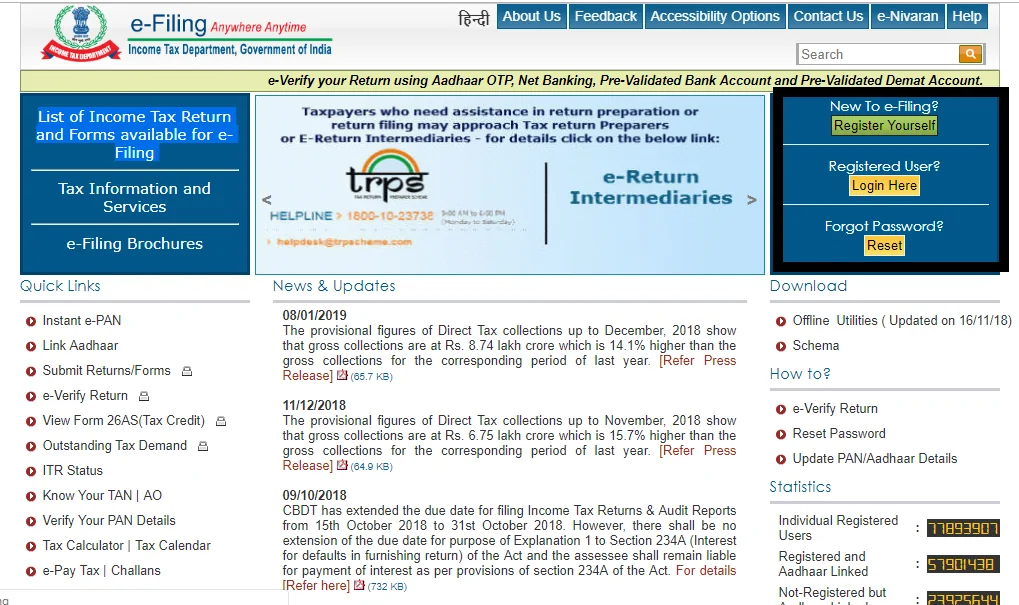
Also Read: How to Link Aadhaar Card with PAN Card Online
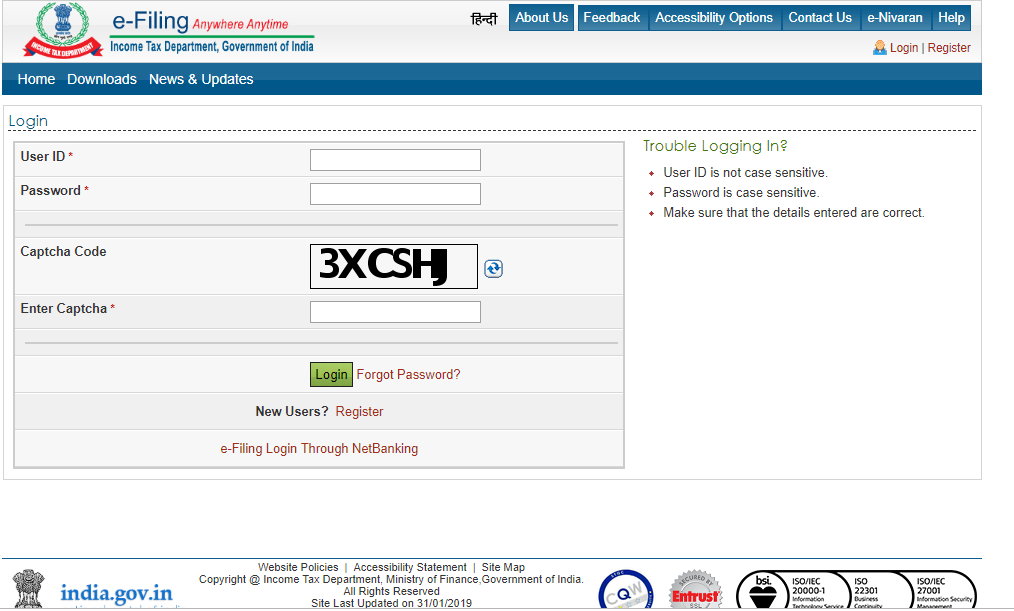
You will then receive a message that reads ‘Return successfully e-Verified. Download the Acknowledgement.’ The same acknowledgement will be automatically sent to your registered email id. At the bottom of the acknowledgement, you will find the words “ITR V No need to send to CPC Bengaluru”.
Congratulations, You have now successfully e-verified your income tax return.
