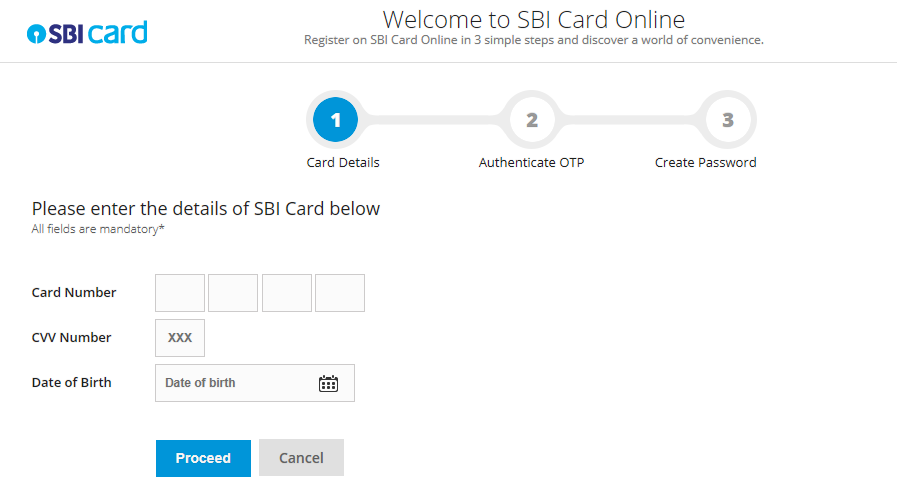
There are multiple options available online to clear your SBI credit card bills – NEFT Payment, Paynet-Pay Online, Visa Credit Card Pay, Online SBI, Electronic Bill Payment, SBI Auto Debit, Debit Card, Pay via UPI, Pay via YONO, Pay via Mobile App.
SBI Credit Card Bill Payment through Paynet-Pay Online
Follow the steps mentioned below for SBI credit card bill payment through Paynet-Pay Online option:
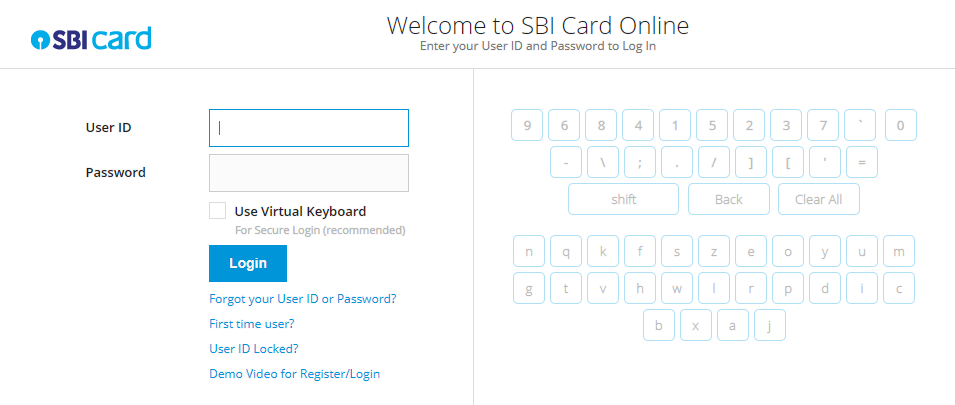
- Login to SBI Card website
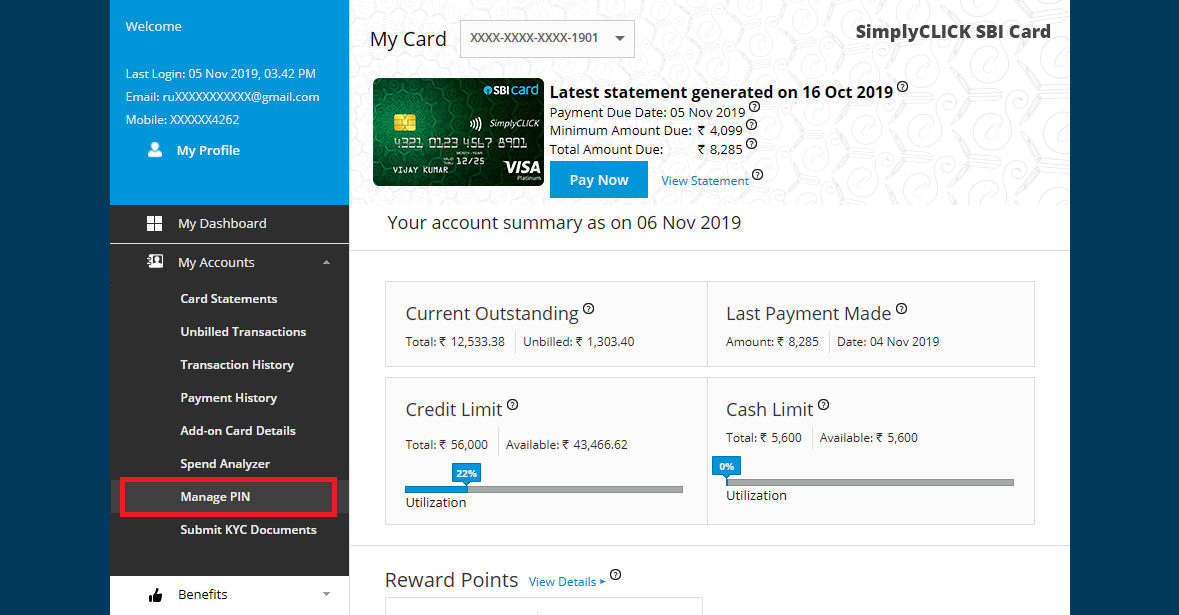
- Select ’Pay Now’ on the Dashboard page
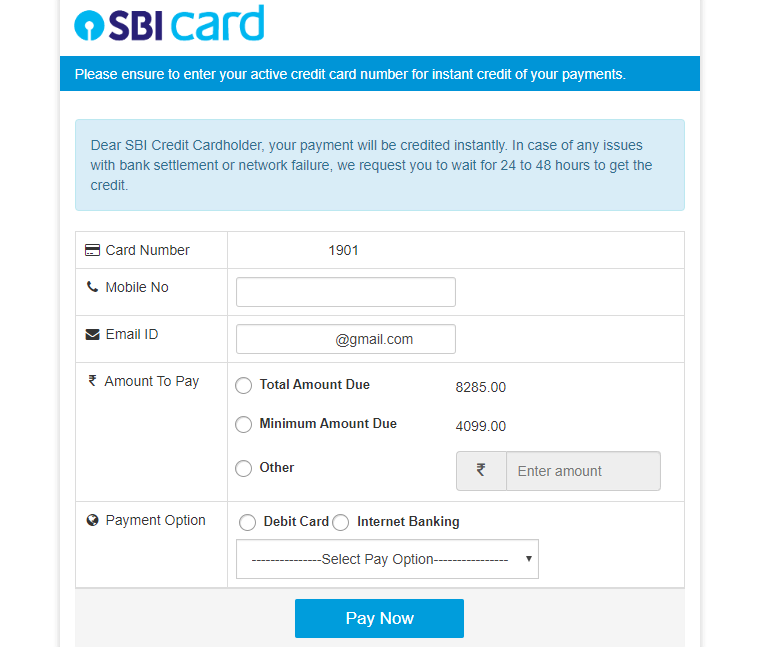
- Enter the required amount
- Choose the mode of payment and bank name from the drop-down menu
- Validate the details and then securely authorise the payment via the chosen bank’s payment interface
- The account will get debited online and a Transaction Reference Number will be generated containing the transaction details. This number will be sent to your registered mobile number and e-mail as well
SBI Credit Card Bill Payment through Online SBI Portal
You can clear your SBI credit card bills from your SBI account via Online SBI. Before paying the bill for the first time, you will have to add SBI as the biller by following the steps mentioned below:
- Login to SBI website by clicking here
- Select ‘Manage Biller‘ option in the ‘Bill Payments’ section
- Choose the Add option in this section and go for ‘All India Billers‘. Select ‘SBI Cards and Payment Services Pvt. Ltd.’ as the biller
- Provide the name and SBI credit card number to register. Click on the ‘Submit’ button
- Enter the OTP received on your registered mobile number and confirm the biller details.
The card has now been successfully registered on the website. You can now follow these steps to make the payment:
- Select ‘View/Pay Bills’ section and then choose ‘Without Bills’ option
- Choose the SBI card as the biller and click on ‘Pay’ option.
- Select the SBI account number from which you wish to make the payment
- Enter the payment amount and click on the ‘Pay Now’ option. Confirm the transaction details and validate the same by clicking on the ‘Submit’ button.
- The payment will be reflected instantly in the SBI credit card account


 Airport Lounge Access