Download the
Paisabazaar app Today!
Paisabazaar app Today!
Get instant access to loans, credit cards, and financial tools — all in one place

Win Assured Cashback


Get instant access to loans, credit cards, and financial tools — all in one place

Scan to download on



 Personal Loan
 Business Loan
 Home Loan
 Other Loans


After buying a suitable SBI Life insurance policy, it is important to keep a track of your premium due date, bonus, fund status,etc. This can be done online or offline. However, to go the online way, you need to be aware of SBI Life Insurance login and registration process.
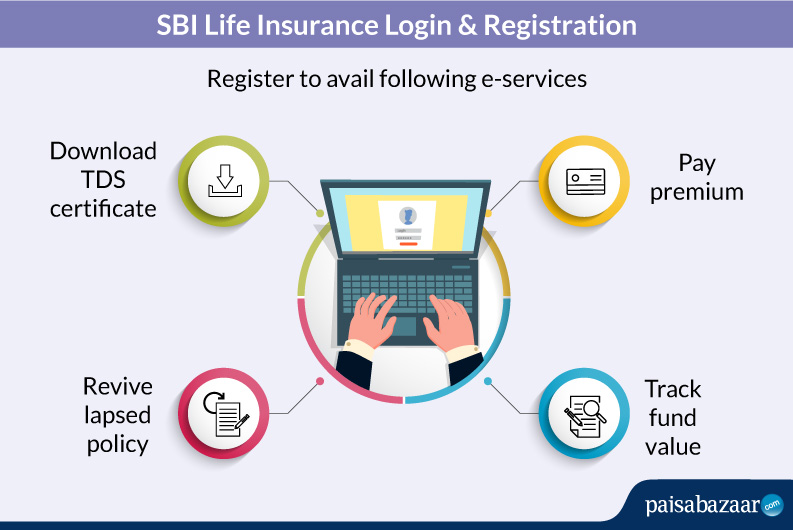
Registered customers can avail the following online services offered by the company:
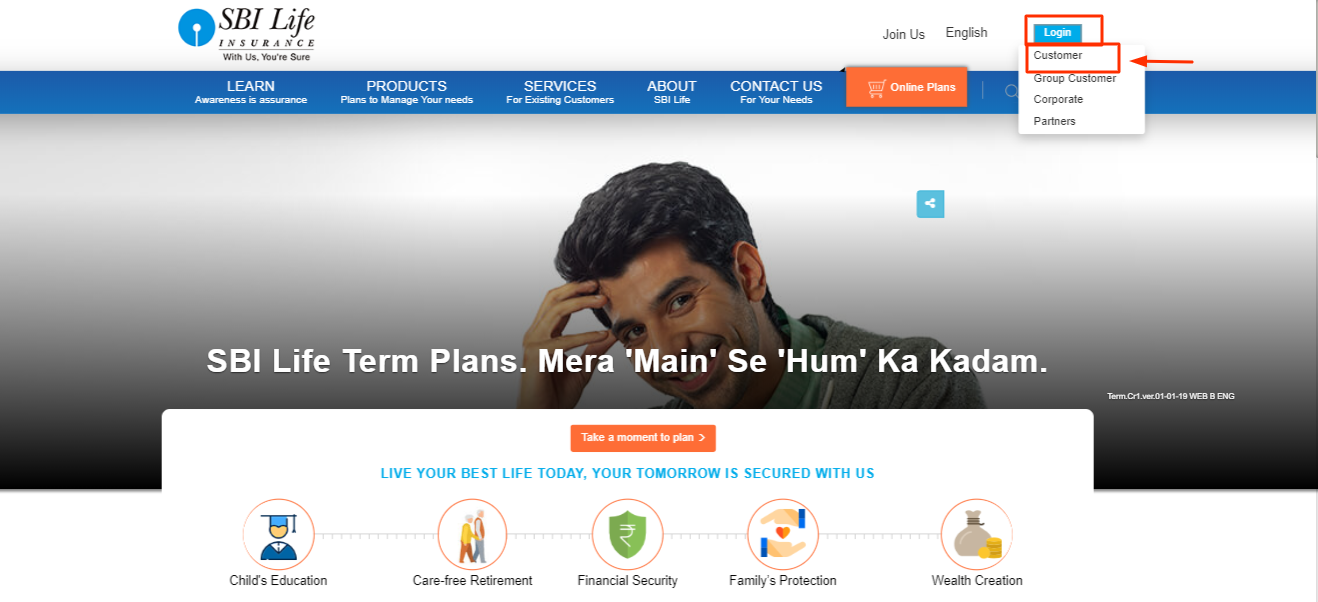
After purchasing the suitable insurance plan from SBI Life, you have to register on the portal as a customer to avail various e-services offered by the company. Here are the steps to register:
2. A new page will open. Here, under the ‘New User’ section, enter your policy number, customer ID, email ID, date of birth and click on ‘Submit’.
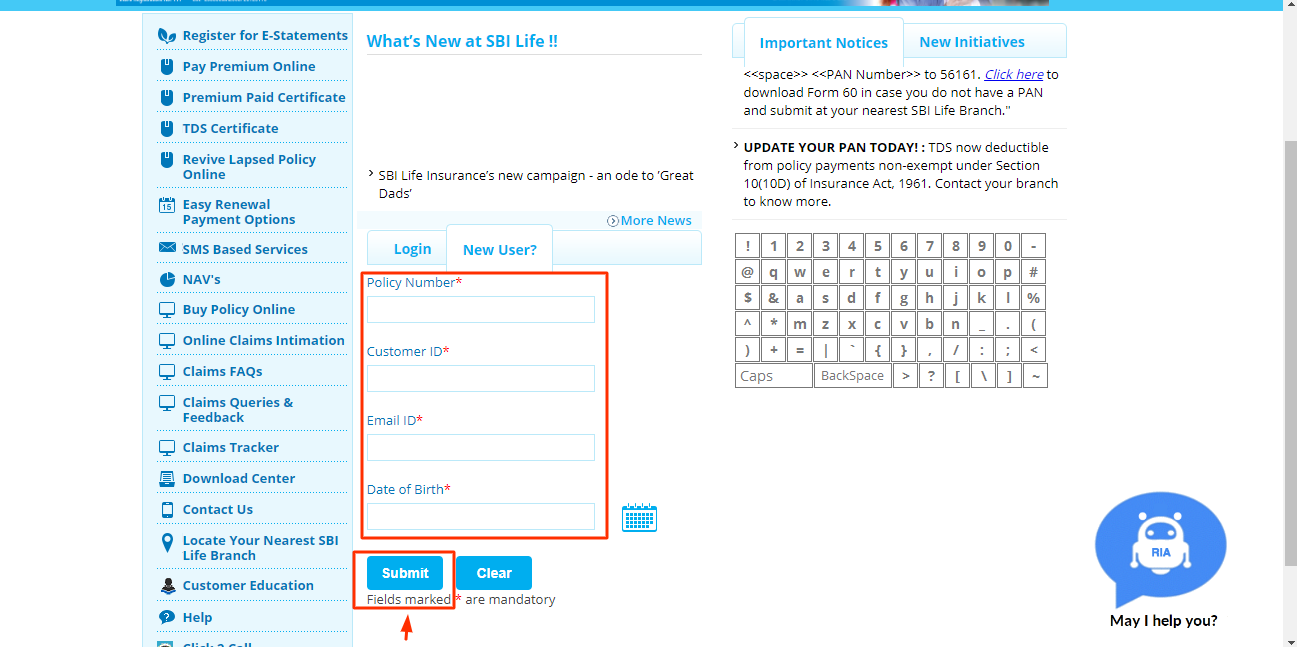
3. Your login credentials will be sent to on your email ID.
Note: The above SBI Login process is for ‘Customer’, including Group Customer, Corporate and Partners of SBI Life.
You can also register by visiting one of their branch offices. The policyholder needs to submit policy-related documents and other supporting documents for the registration process.
Once you have purchased a suitable SBI Life Plan, you have to register on their portal to avail any of the services offered by them. To know the registration process in detail, click here.
2. Registered Users
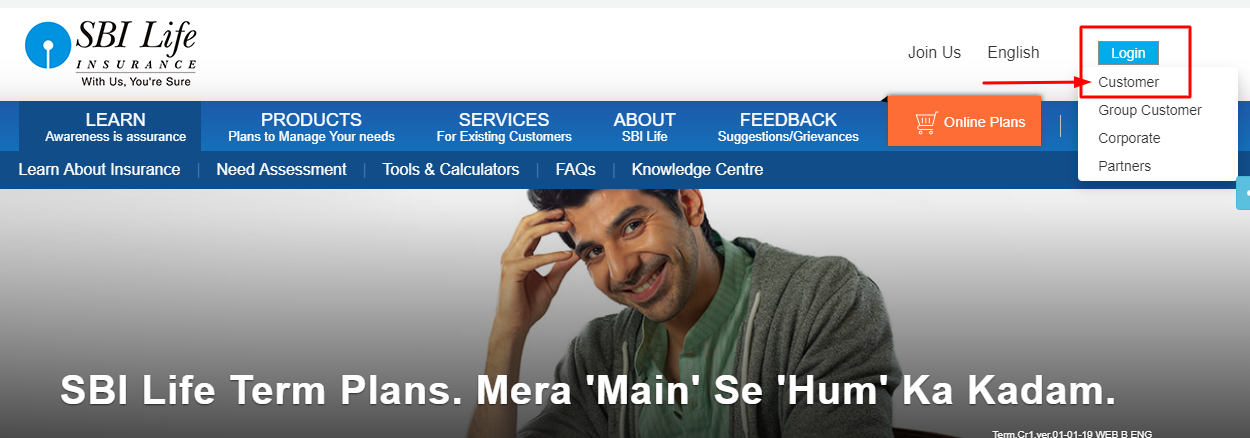
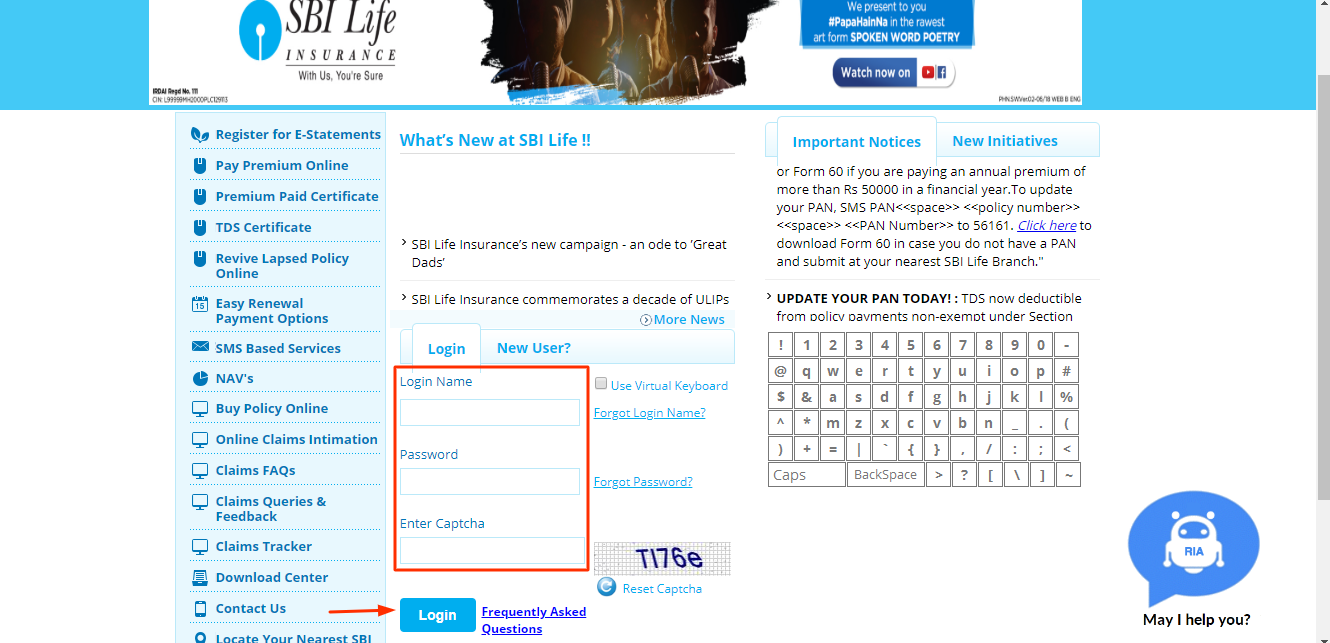
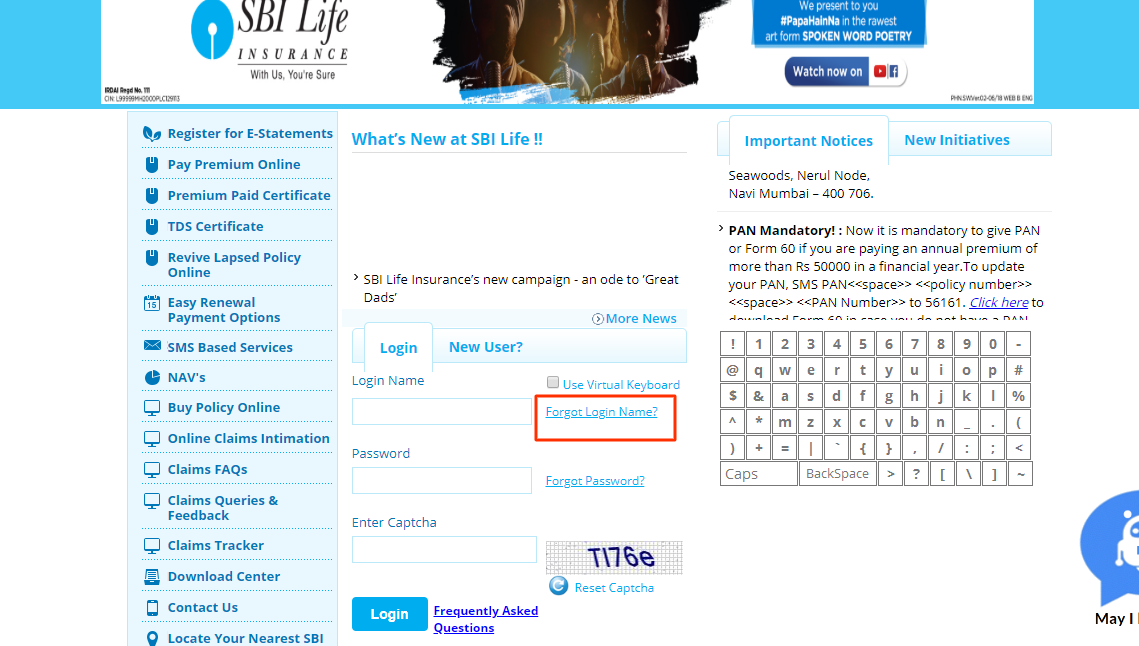
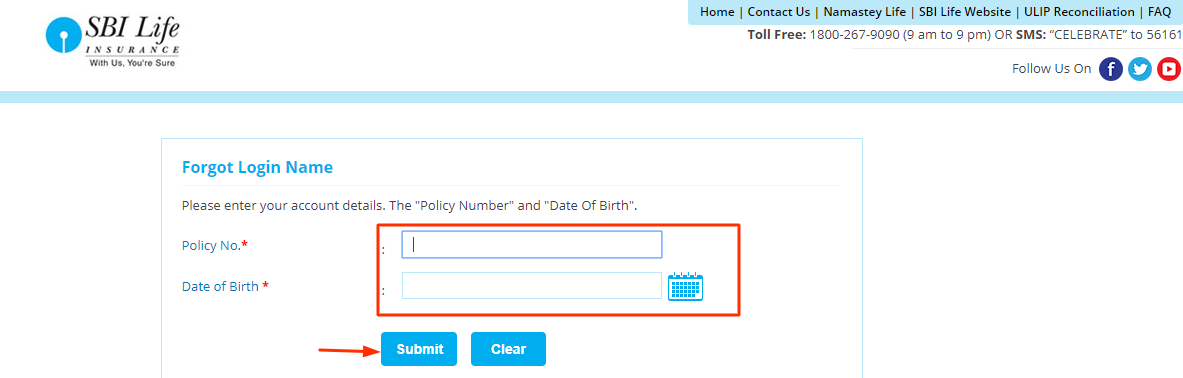
To recover your login name, follow the below mention steps:
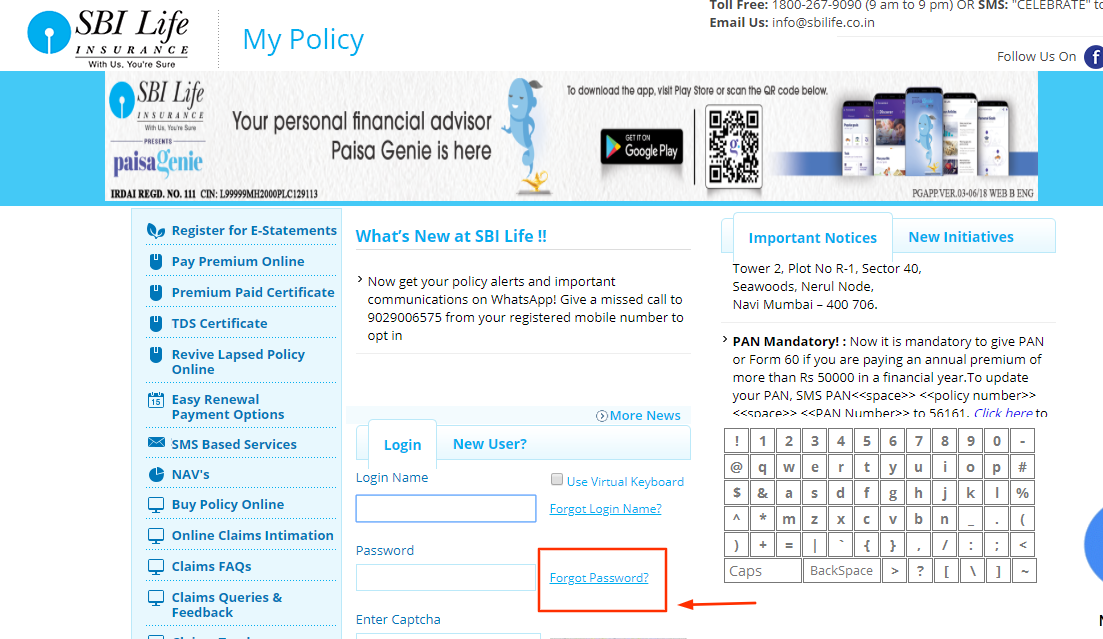
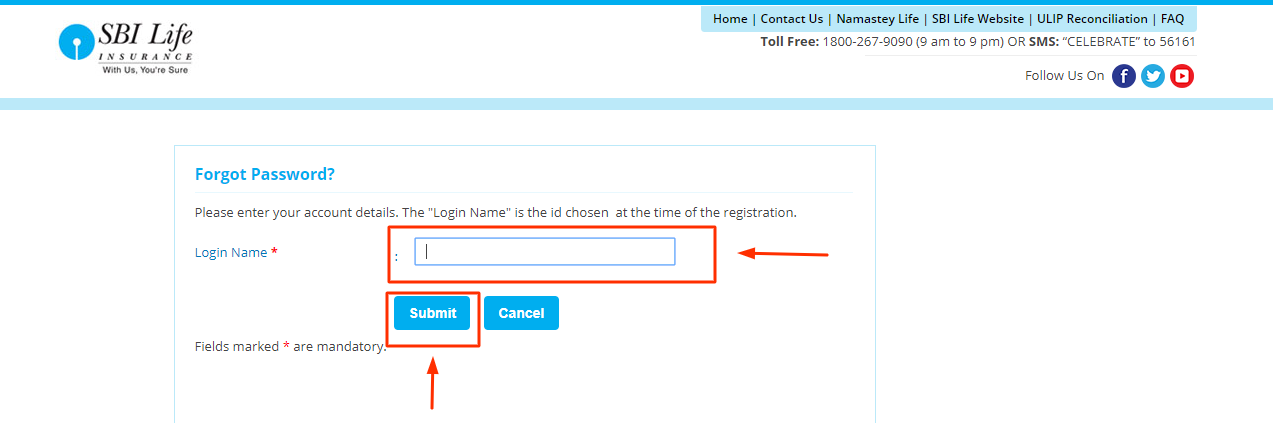
In case you don’t remember your password, follow the below mention steps:
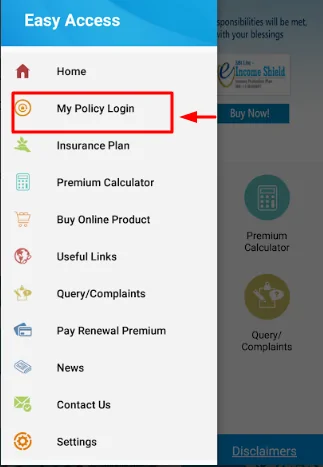
Apart from their web portal, insured can also avail various services their mobile application as well. The mobile application launched by SBI Life, SBI Life Easy Access App, is available on Android and iOS Store. Below are the steps on how to use SBI Life Mobile Application
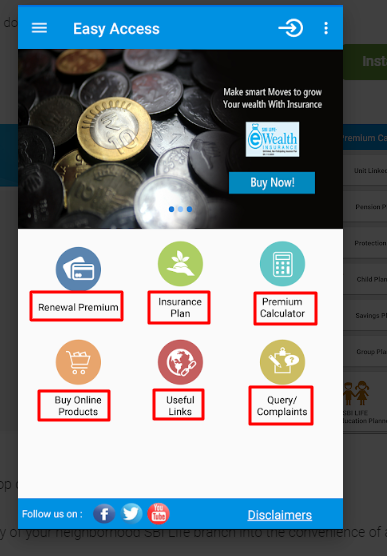
SBI Life Mobile Application provides a number of facilities to the customers:
Following aspects should be considered while using the login process:
Some of the benefits of registering on the SBI Life website are:
Q1. Can I get my address changed by visiting the branch office?
Yes. Submit the request form for change in address along with the original address proof for verification.
Q2. How can I update my email ID?
A policyholder can update the email ID by visiting the branch office, through the official portal or by using SMS service.
Online:
SMS:
From your registered mobile number, SMS MYEMAIL<<space>>(Policy Number)<<space>>(New Email ID) to 56161 or 9250001848
Q3. How can I update my address through portal?
Q4. I have three policies with SBI Life. Do I need to create separate MyPolicy account for each policy?
No, the customer ID is the same for different policies belonging to the same policyholder.
Q5. How can you pay premium online?
You can easily pay the premium of your policy by clicking on ‘Pay Premium Online’ under SBI MyPolicy.
Q6. Can I update my bank account details online?
Yes, login to your MyPolicy to update your bank account details. The bank account proof should be in PDF/JPE format and not more than 400 kb.